



Monkeyzino Casino App
The Monkeyzino app makes playing at our online casino much easier. It runs on every modern operating system: Android, iOS and Windows. Our players can use one account to log in on several devices and choose what is most comfortable for them.




Why Play on Mobile?
You can use the full power of our platform right from your phone with the Monkeyzino app. To make sure you don’t miss anything, you can turn on push notifications to stay informed about the newest games and bonuses. The mobile version of our casino has all the same features as the web version. The interface is optimized for mobile devices, so the casino lobby, games, and account features adapt to any display size. You can play on the go or literally anywhere.
| Aspect | Monkeyzino app | Desktop version |
| Accessibility | Users can play anywhere with a stable signal | You’re tied to your PC but have more freedom with the laptop |
| Controls | Optimized for touch controls, so you can navigate with taps | Players use a mouse and keyboard to navigate and play |
| Game interface | All games open in full screen and are optimized for mobile play | You can still open the side menu while playing or switch between the tabs in your browser, as the games open not in full screen |
Use Monkeyzino on Your Android
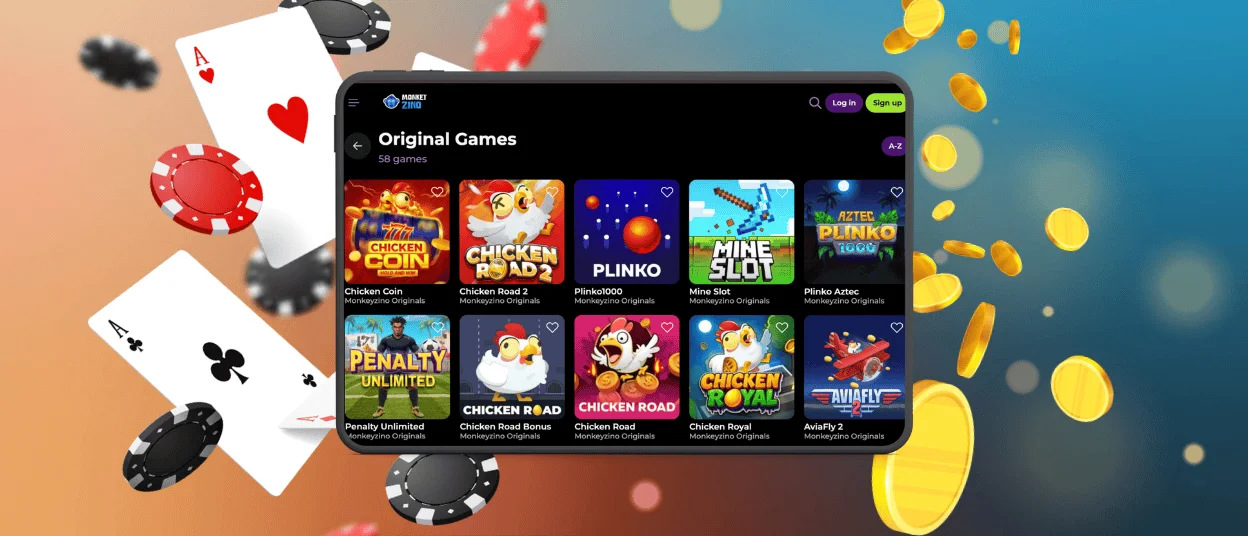
We don’t have a separate native Android app for our mobile casino, so a Monkeyzino APK does not exist. Our PWA doesn’t need an additional installation kit. You can either play from your mobile browser or create a shortcut to your home screen. No need to search the Play Store or create an account there for the Monkeyzino app download.
If you want to install our application as a shortcut from the browser, you can follow these steps:
- Open our official website in your mobile browser.
- Find the three-dot menu near the search bar and tap it.
- Scroll until you see “Add to home screen” and click “Add” to complete the process.
After that, our branded icon will appear on your screen, so you can open our platform and play mobile slots right away. The only legitimate steps to install the Monkeyzino app are described here. Don’t download an APK file with the same or similar name from anywhere, as it can be harmful to your device.
Install Monkeyzino on iOS
The Monkeyzino Casino app is cross-platform and works perfectly on iPhones, so we haven’t developed a native iOS app. Similar to Android, players can use Safari to enjoy mobile betting without installing our application. It’s best to use the latest browser version, but our platform also works on older ones.
How to Install the iOS App?
You can use Safari or the built-in Shortcuts app to install the Monkeyzino app on your iPhone or iPad. The first variant is similar to how it’s done on Android, except you need to click the “Share” button on the web page instead of the dot menu.
To install the Monkeyzino app with the second method, you can follow these steps:
- Open the Shortcuts app on your iOS device.
- Click the “+” icon in the top-right corner.
- Tap “Add Action” and search for “Monkeyzino”.
- Select the right app from the search results.
- Click the down arrow next to the shortcut name and select “Add to home screen”.
- You can customize the icon and give it the name you want, instead of the default look.
- Complete the process by tapping “Add”.
After this, the Monkeyzino app icon will appear on your home screen. Now you don’t need to launch Safari or another browser every time you want to play the mobile slots.
Browser and PWA Access
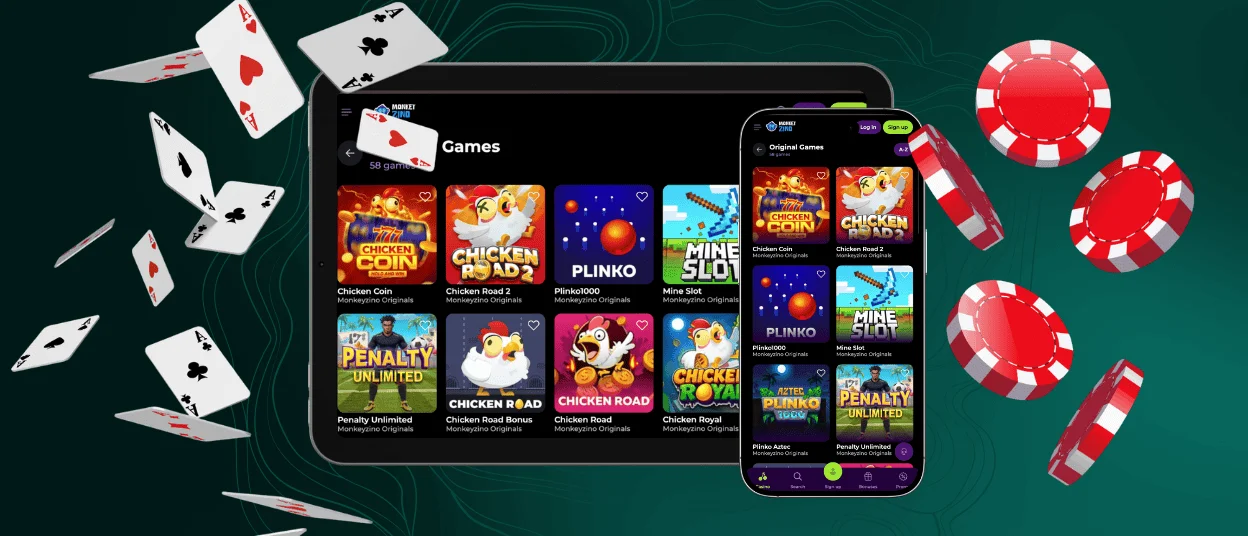
As we already said, you don’t need to download the Monkeyzino app to play on your iPhone or Android devices. Any mobile browser can handle our platform, and it also works on computers. Therefore, you have two options: play directly in the browser or install our progressive web app.
Mobile Web Version
Playing at our online casino in a mobile browser is the simplest option. No clogging your home screen with too many icons. You also don’t need to free up memory on your device to prepare for the Monkeyzino download app process. All you need is to open the browser on your Android or iPhone, find our website and sign in. As we said, our platform is optimized for this, so you don’t need to worry that anything won’t work.
Monkeyzino PWA
The progressive web app is basically the same website but opens separately from the browser and works like a native app. You don’t need to update it manually and download new versions from time to time. All updates for the Monkey Zino app run in the background every time you launch it. This way, you always have the latest version on your devices. Besides, you don’t need to take additional steps, like opening the browser first, to play your favorite games. If you install a shortcut to your home screen, you can launch our mobile casino with one tap.
Which Option Should You Use?
It’s totally up to your gameplay style and comfort. There’s not much difference between these two options, except you can access the Monkeyzino app a bit faster.
- Choose the mobile web version if you don’t play often and don’t really like to have a lot of icons on your home screen.
- Choose the Monkeyzino PWA if you play regularly, want to access the platform fast and don’t want to see browser bars while you play.
Both options provide the same experience, game library, security, and payment options, so you won’t lose out on anything no matter what you choose.
Compatible Mobile Devices
The Monkeyzino mobile app requires at least Android 8.0 or iOS 13.0 (or higher) to work smoothly on your device. It supports modern smartphones and tablets of different brands and is a lightweight application that takes only a few megabytes of storage space. The interface adapts to various screen sizes, resolutions and portrait and landscape orientations. Thanks to the caching function of PWAs, you can manage your account in the Monkeyzino app even with an unstable internet connection. It may not be enough for a full-scale mobile gambling session, but you still can check your balance and more.
FAQ
What should I do if the Monkey Zino app freezes or stops working?
You can close it, then clear the cache and reload the application. If it doesn’t help, please contact our support team for assistance.
Does the Monkeyzino Casino app include customer support?
Yes, the app has a built-in live chat with our AI assistant that will quickly answer your questions regarding the Monkeyzino platform. You can also send an email to our support team if there is not enough information or if you have an issue with any processes here.
How is a PWA different from a regular casino app?
A progressive web app is basically a website that works like a native mobile application. It takes less storage space on your device, doesn’t need manual updates and you can install it as a shortcut from the browser.


